
01
Better context before the message
A visitor can understand your offer, hours, audience, and next steps before opening WhatsApp.
WhatsApp link in bio
Give visitors one page that explains why they should message you, what else they can open, and which offer, product, booking, or support path matters before the chat begins.
For creators, shops, coaches, service providers, restaurants, and small teams that use WhatsApp as a direct response channel.
01 · How it works
WhatsApp can be immediate, but a bare chat link often lacks context. A focused page gives the visitor confidence before they start a conversation.
Lead with the offer, support promise, menu, booking window, quote request, or lead magnet that makes a WhatsApp conversation useful.
Include product links, calendars, FAQs, forms, social profiles, or resources for visitors who need information before messaging.
Use Linkrise analytics on Pro to understand which page links earn attention, then confirm real conversations inside WhatsApp or your business tools.
02 · Free and Pro
A visitor can understand your offer, hours, audience, and next steps before opening WhatsApp.
Combine WhatsApp with Instagram, TikTok, YouTube, shop, booking, and resource links without making the chat button do every job.
Pro adds Full Analytics — All Time, deeper per-link reporting, multiple pages, Linkrise branding removal, campaign controls, and higher limits.
03 · Practical examples
Show services, hours, location, and price expectations before the WhatsApp button so fewer visitors start a conversation without context.
Put the current product or lead magnet first, then keep WhatsApp as a direct support or high-intent question path.
Feature menu, reservation, venue, and announcement links before opening chat, reducing repeated questions and helping visitors self-select.
What to know
Linkrise improves the public page around the chat handoff. It does not replace WhatsApp, store private messages, or control delivery.
WhatsApp account availability, business tools, message templates, and automation rules are controlled by WhatsApp and can vary by country or account type.
A WhatsApp click means someone opened the destination. It does not prove that a message was sent, read, answered, or converted.
Avoid putting private phone numbers, customer details, or confidential support information into public Linkrise text blocks.
Plan the page
A strong WhatsApp page makes the conversation easier before it starts. The visitor should know what to ask, what response to expect, and what alternatives exist.
Replace generic labels with specific intent: request a quote, ask about availability, reserve a table, get the download, or talk to support. The clearer the label, the less friction the chat creates.
Use text blocks, collections, and links to cover hours, pricing notes, menus, shipping, services, or requirements before the visitor opens WhatsApp.
If WhatsApp becomes the primary lead channel, make sure response times, notifications, team ownership, and follow-up expectations match the volume created by your public profile.
Before you publish
Check the page like a visitor who wants a quick answer but does not yet know whether messaging you is the right next step.
Profile previews
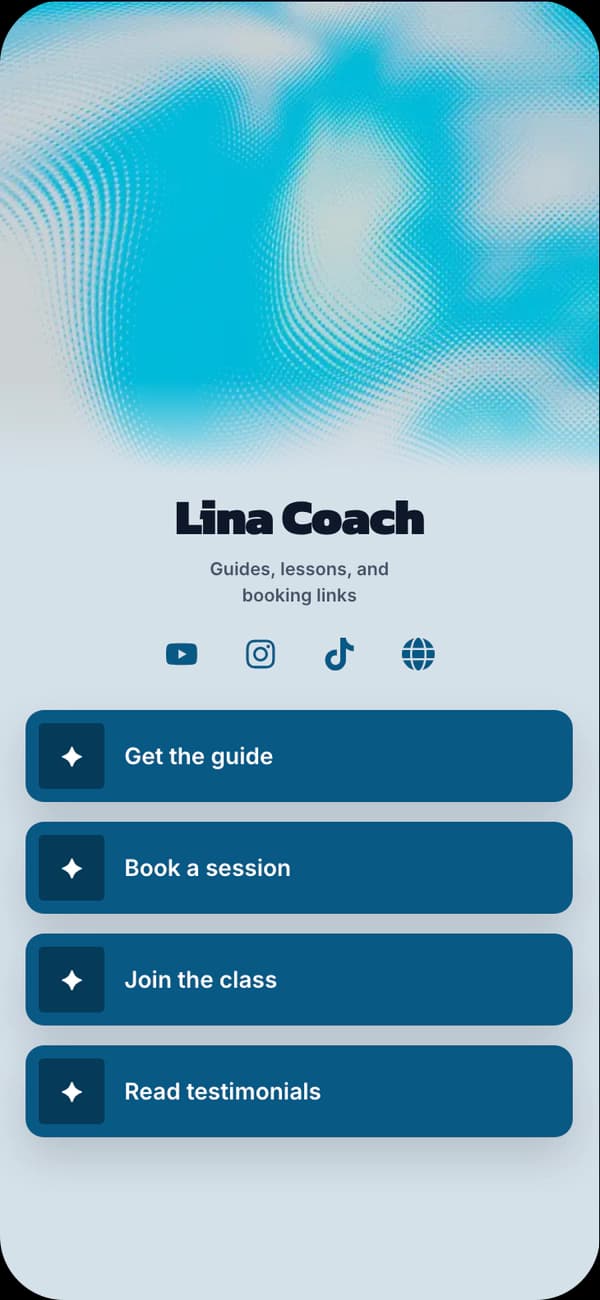
Friendly and clear for service businesses, educators, and appointment-led profiles.
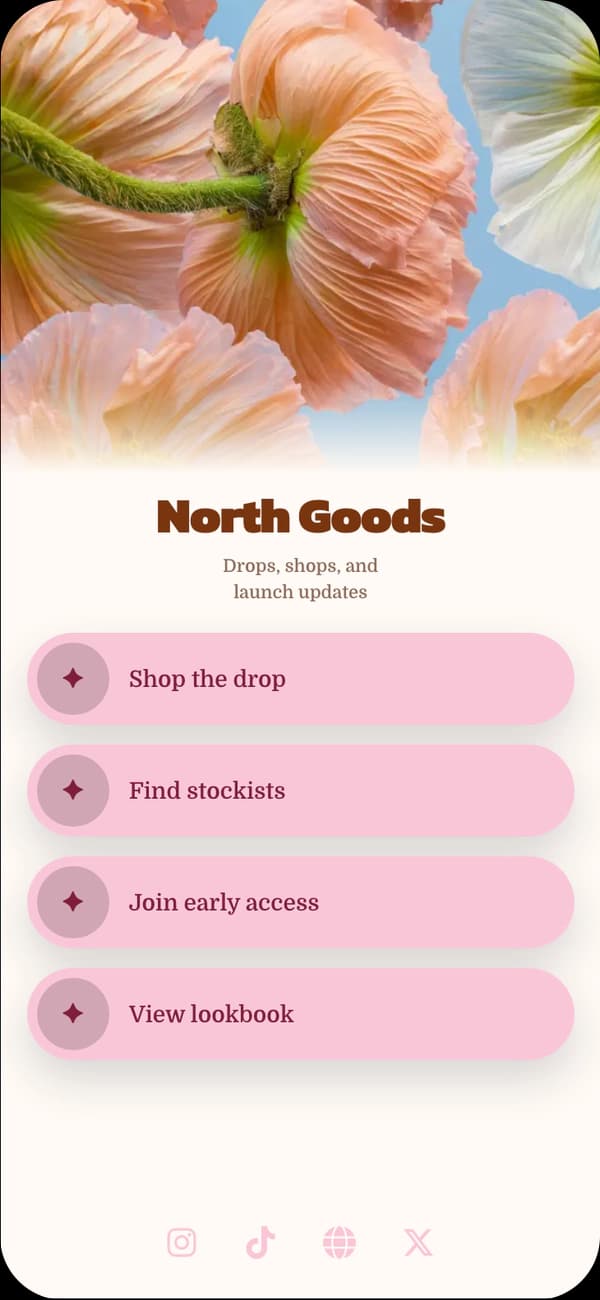
Warm and visual for shops, restaurants, florists, and lifestyle brands.
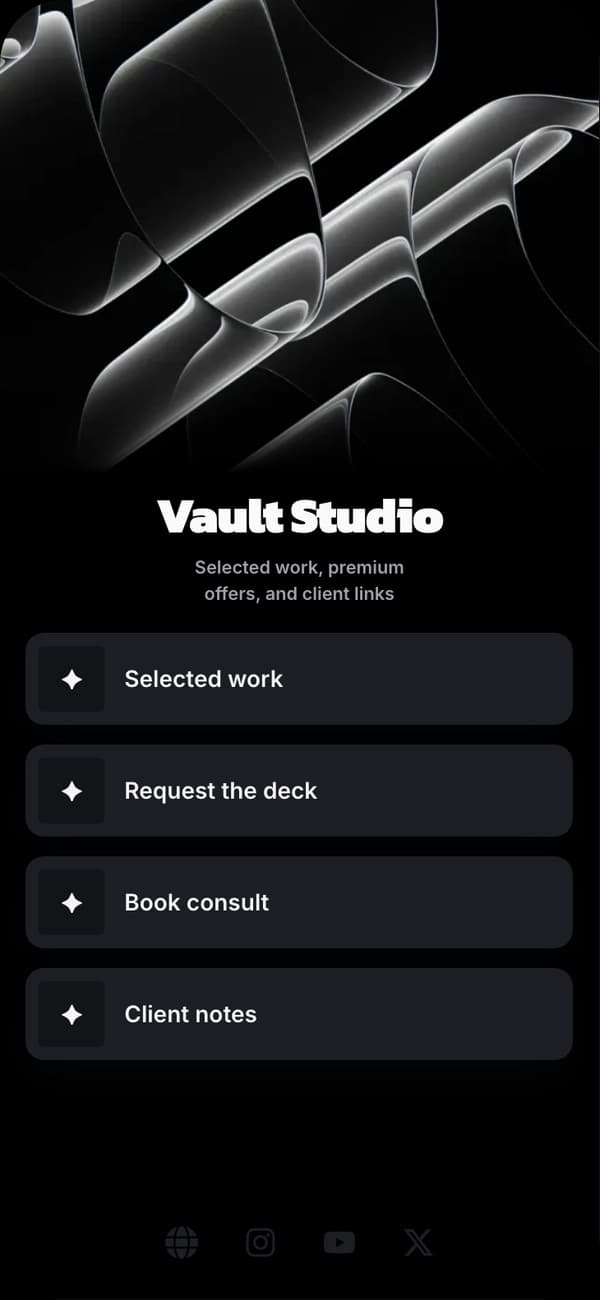
Professional for consultants, founders, and high-trust service pages.
FAQ
Yes. Add WhatsApp as a contact destination and place it alongside the other links, blocks, and social destinations that help visitors choose the right next step.
No. Linkrise can link visitors to WhatsApp, but messages, replies, automations, and account rules remain controlled by WhatsApp and Meta's current products and policies.
Only when the main visitor action is a conversation. If the visitor needs a menu, price list, product page, or booking option first, lead with that and keep WhatsApp nearby.
Linkrise can report clicks to your WhatsApp destination on Pro. The actual conversation, reply quality, and sale outcome must be confirmed in WhatsApp or your CRM.
Explore next
Plan a page that carries followers from posts, Reels, and Stories into the right next step.
Instagram bio pageCombine product, contact, booking, location, and trust links without needing a full site first.
Small business pagesReview where Linkrise Free ends and Pro analytics, pages, branding controls, and capacity begin.
Compare plansStart on Free