
01
A page that looks like your brand
Themes, backgrounds, typography, layouts, Link styles, profile layouts, and every current block type are available on Free.
Instagram link in bio
Give followers one polished page for the content, product, booking, offer, or contact path you want them to open next. Build and customize it on Free, then add deeper measurement with Pro.
For creators, artists, consultants, shops, and small teams sending Instagram traffic beyond the feed.
01 · How it works
A strong Instagram bio page does not try to show everything at once. It carries the promise from your latest post, Reel, Story, or campaign into one obvious action.
Put the product, resource, booking link, or announcement that triggered the visit at the top of the page.
Use supporting links for your work, media, shop, or contact channels, while keeping the primary action visually dominant.
Keep the same public Linkrise URL in Instagram and change the blocks behind it whenever your campaign changes.
02 · Free and Pro
Themes, backgrounds, typography, layouts, Link styles, profile layouts, and every current block type are available on Free.
Download a basic QR on Free for packaging, events, or printed materials that should lead to the same page.
Pro adds Full Analytics — All Time, deeper per-link reporting, multiple pages, Linkrise branding removal, campaign controls, and higher limits.
03 · Practical examples
Lead with the guide promised in the Reel or Story, follow it with one proof link, and keep older content below the first screen. The page continues to work after the Story disappears because the public URL stays the same.
Put the current product or collection first, add shipping or sizing information as supporting links, and use a contact path for purchase questions. When the drop ends, replace the first block without changing the Instagram bio.
Use the first block for the active booking window, then add selected work, testimonials, and a business inquiry path. Visitors coming from educational posts can move from context to credibility to a clear next step.
What to know
Linkrise controls the destination page, not Instagram's account rules. Check the profile and campaign behavior before relying on any one placement.
Instagram decides which profile fields and link features are available by account, region, and product version. Linkrise cannot unlock a profile field that Instagram has not made available.
You choose and update the blocks in Studio. General Instagram DM automation is not currently open for public use, and the page does not scrape posts or import followers.
A visitor who tapped for one promised resource should see that resource first. Adding every permanent destination above it weakens the connection between the Instagram post and the landing page.
Plan the page
The strongest bio page is planned with the post or Reel that sends people there. Treat the destination as the next scene in the same message, not as a separate directory assembled after the campaign is finished.
Decide what the visitor should do, then use the same promise in the Instagram caption and the first Linkrise block. A caption that says “download the guide” should open to a block that names that guide directly. Avoid making visitors translate a campaign phrase into a vague label such as “More” or “Website.” If several posts are active, prioritize the offer with the shortest deadline or strongest business value and keep evergreen destinations lower on the page.
Many Instagram visitors open links inside Instagram rather than a full browser. Keep the opening screen light, readable, and decisive: a recognizable profile, a short explanation, and one dominant action. Test the public page from the actual Instagram app on a small phone, not only from Studio on desktop. Confirm that the target shop, booking tool, or file also works inside the in-app browser and provides a clear fallback when login or payment requires another app.
A stable bio URL is useful only when the page behind it stays current. When a launch closes, remove or relabel expired actions before publishing the next post. On Pro, compare profile views and individual link clicks across similar periods, then use the result to adjust hierarchy. Do not treat a click as a purchase or booking; use the destination service for final conversion data and Linkrise for the path visitors chose from the profile.
Before you publish
Run this short review from the live Instagram profile before directing an audience to the page.
Profile previews
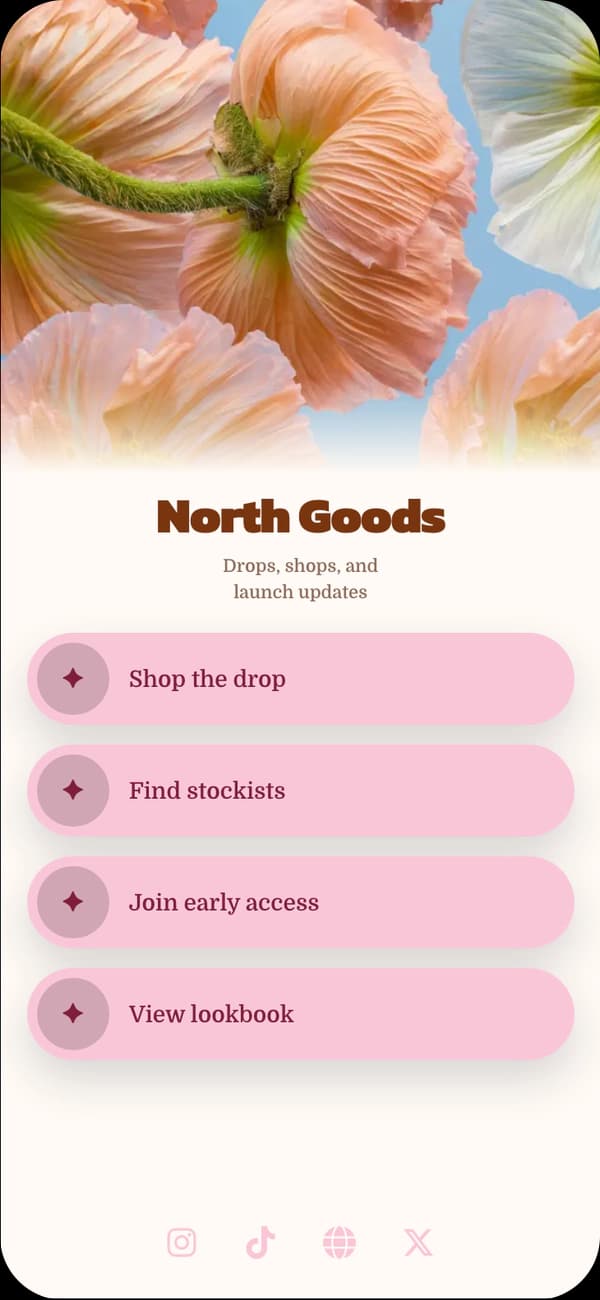
A bright cover-led profile for lifestyle, beauty, and visual creator campaigns.
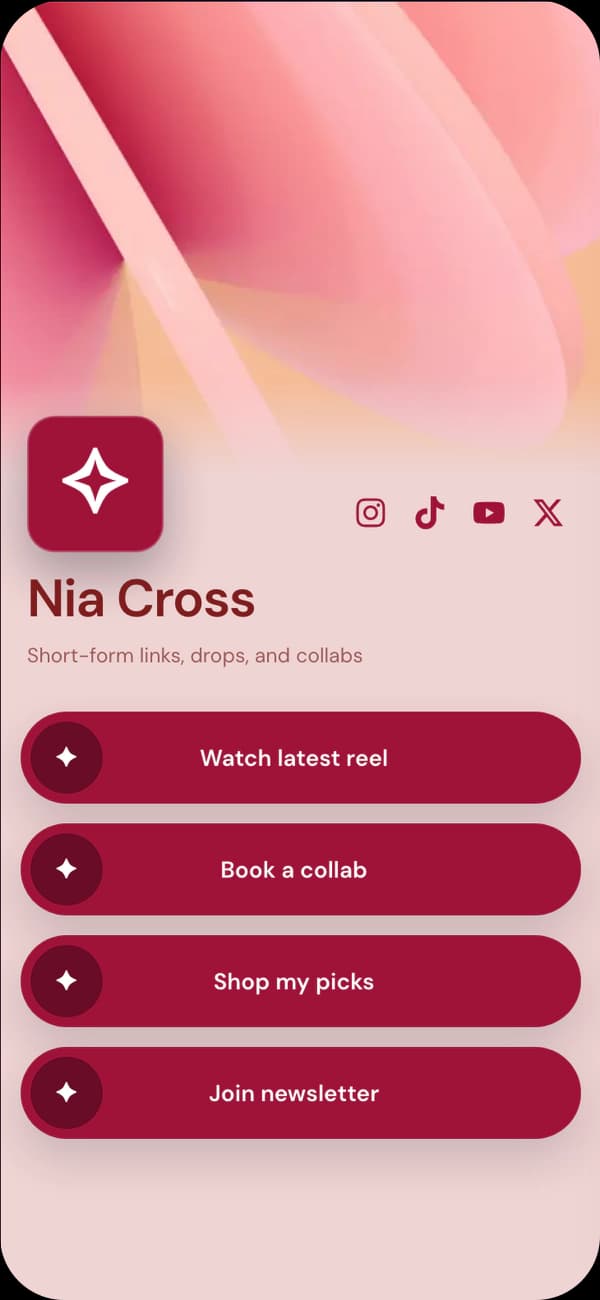
A warm editorial direction for personal brands, guides, and product stories.
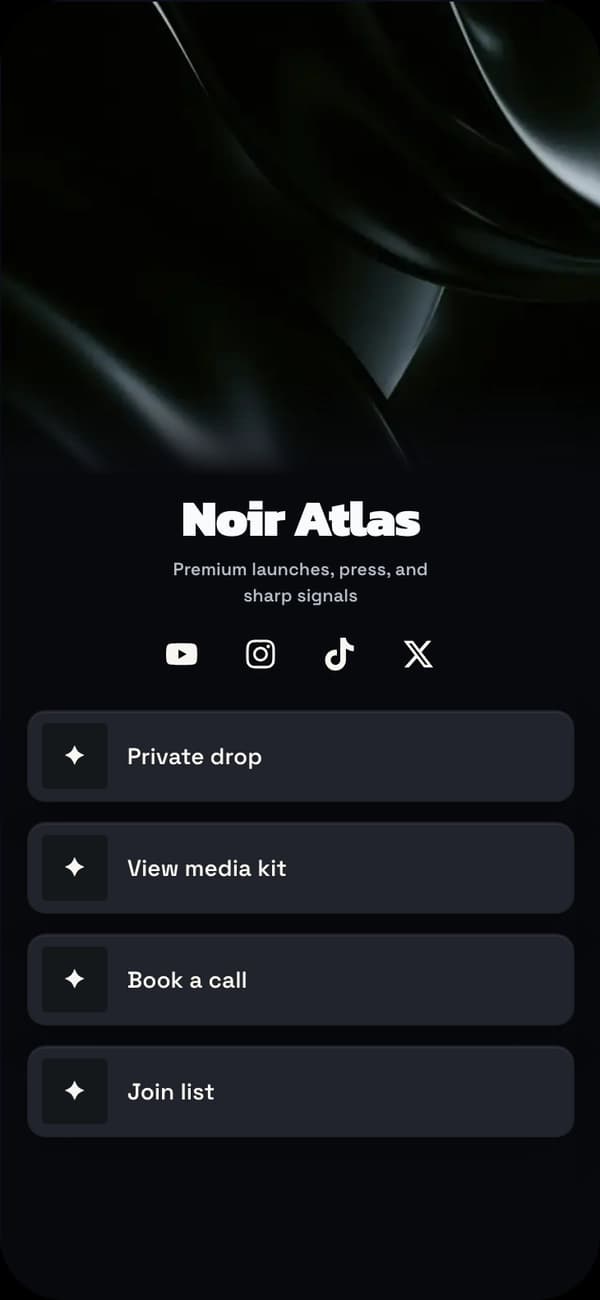
A high-contrast profile for releases, portfolios, and creator media.
FAQ
Yes. Publish one Linkrise profile URL, place it in your Instagram bio, and update the links and blocks behind that URL whenever your priorities change.
Free includes Basic Analytics for Today and Last 3 days, including QR visits and one Top link. Pro adds Full Analytics — All Time and deeper per-link reports.
Instagram DM automation is not currently open for general use. The current product lets you build and publish the link page used in your Instagram bio.
Free includes Basic Analytics for Today and Last 3 days, including QR visits and one Top link. Pro adds Full Analytics — All Time and deeper per-link reports.
Explore next
Choose a visual direction, then change every block and design control to fit your own brand.
Explore examplesLearn how hierarchy, message match, and fewer competing actions can make profile traffic more useful.
Read the playbookSee exactly which publishing controls stay free and which measurement features are included with Pro.
Compare plansStart on Free