
01
One home for listening and conversion
Avoid sending every listener to only one streaming destination when fans may need tickets, merch, socials, or contact paths.
Spotify link in bio
Connect Spotify listeners to your latest release, playlist, podcast, tour, merch, newsletter, booking, and social links without changing the public URL every time a campaign changes.
For musicians, podcasters, labels, managers, playlist curators, venues, and creators using audio as the first point of discovery.
01 · How it works
Audio discovery often needs a bridge: listen, follow, buy, book, subscribe, share, or join. The page should make that bridge obvious.
Lead with the new single, album, playlist, podcast episode, show, presave, tour date, or fan campaign.
Include merch, tickets, newsletter, YouTube, Instagram, press kit, booking, management, Patreon, or community links based on the visitor's intent.
Update the first section as campaigns change while keeping the same page in social bios, QR codes, flyers, and video descriptions.
02 · Free and Pro
Avoid sending every listener to only one streaming destination when fans may need tickets, merch, socials, or contact paths.
Use themes, typography, cover imagery, links, text, images, collections, social destinations, and current design controls on Free.
Pro adds Full Analytics — All Time, deeper per-link reporting, multiple pages, Linkrise branding removal, campaign controls, and higher limits.
03 · Practical examples
Put the new release first, then keep YouTube, merch, tour dates, newsletter, press kit, and booking paths close by.
Feature the episode, show notes, sponsor link, newsletter, community, and contact paths so listeners can choose the next action.
Lead with the playlist, add submission rules, social profiles, sponsor information, and newsletter links without overloading the Spotify destination.
What to know
Linkrise can organize and measure the click handoff, but Spotify controls playback, follows, saves, and listener analytics.
Availability, previews, embeds, regions, and account requirements are controlled by Spotify and may vary by user or country.
Fans may need music, merch, tickets, and socials. Industry visitors may need press, booking, management, or licensing contacts.
An outdated release page can make a profile feel inactive. Update the top block when a new single, episode, tour, or campaign starts.
Plan the page
Listeners need a clear next step after discovery. The page should support the release while keeping business and evergreen links easy to find.
A new release, playlist, episode, tour, or presave should occupy the first position while it is timely. Use supporting links for context and permanent destinations.
A fan clicking “Listen now” is not the same as a promoter clicking “Booking inquiry.” Clear labels help both audiences move without confusion.
Pro click reports can show which links earn attention. Use streaming, ticketing, commerce, and newsletter tools for final conversion data.
Before you publish
Review the page when a new release, episode, playlist, or show is about to send traffic.
Profile previews
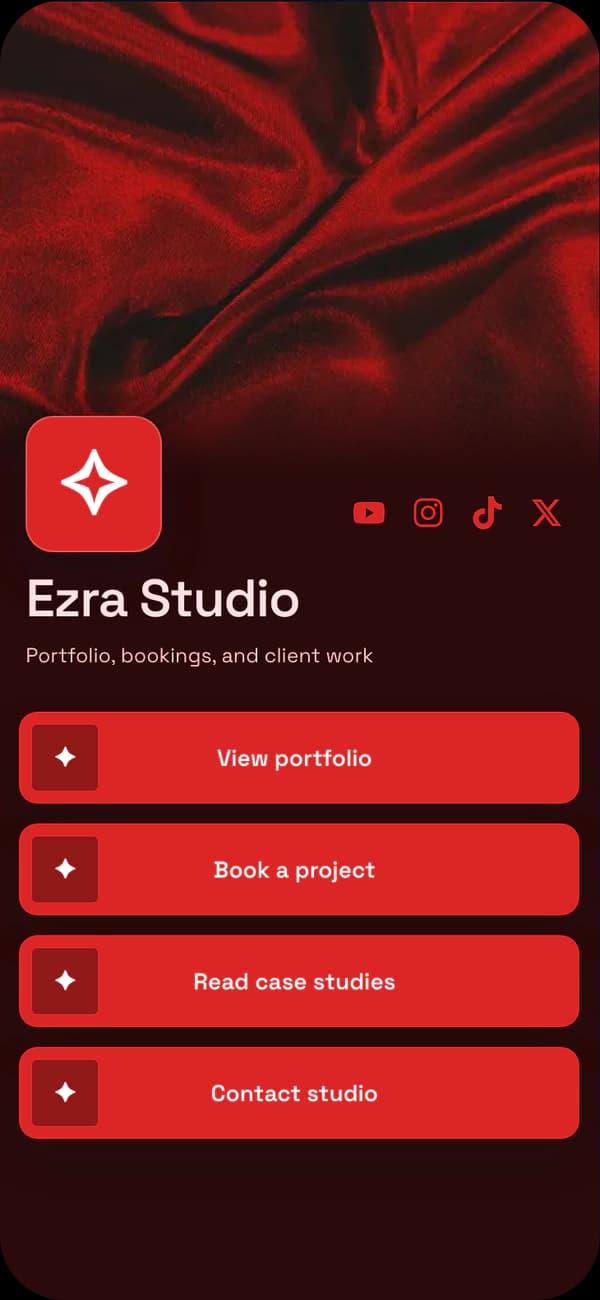
A dramatic profile for releases, performances, and visual music brands.
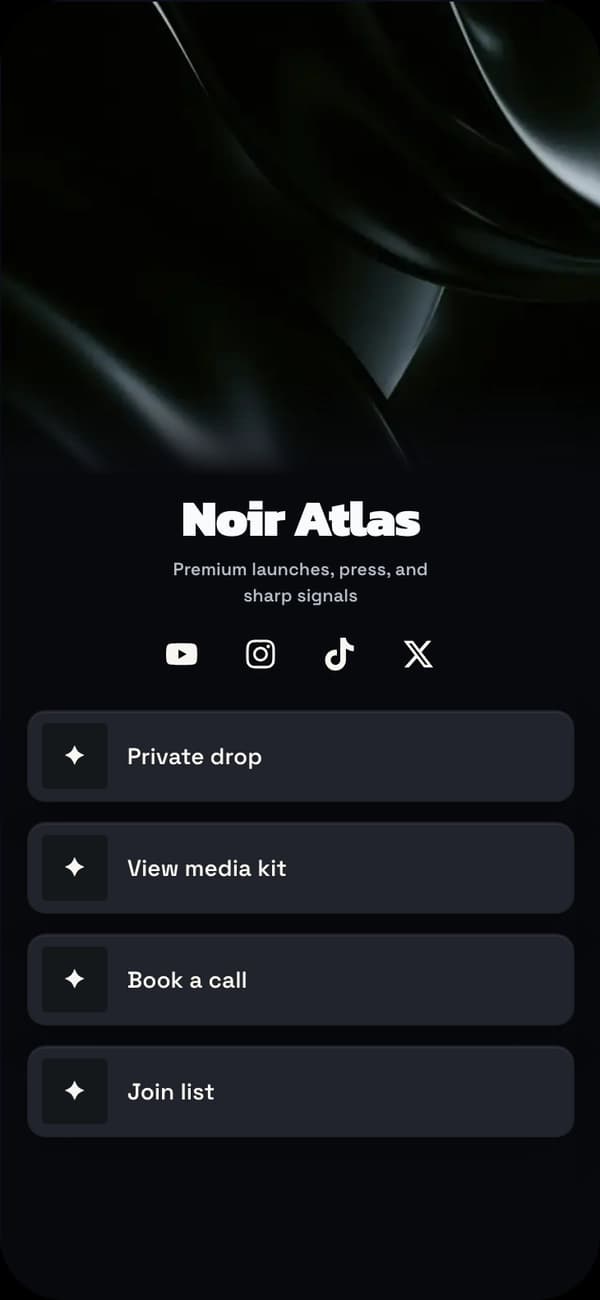
A dark premium direction for artists, podcasters, labels, and media kits.
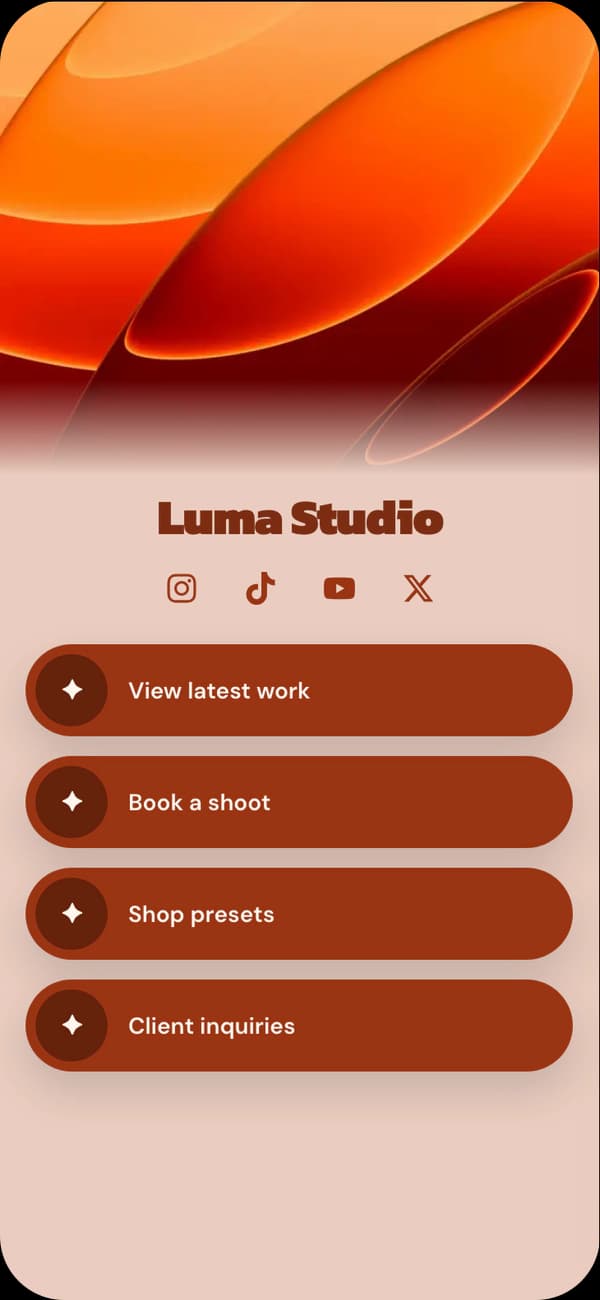
A warm editorial profile for podcasts, acoustic projects, and storytellers.
FAQ
Yes. Add Spotify as a social or content destination and place it near releases, playlists, podcasts, merch, tickets, and fan links.
No. Linkrise links visitors to supported destinations such as Spotify and other public platforms. Playback, follows, saves, and subscriptions happen on those platforms.
Start with one page and update the top section for each release. Multiple pages become useful when different campaigns, audiences, or artists need separate reporting and branding.
No. Linkrise can report clicks to Spotify on Pro. Streams, saves, followers, and listening behavior must be checked inside Spotify's own tools.
Explore next
Plan a page that supports listening, merch, tour dates, fan capture, and industry contact.
Musician pagesBring videos, premieres, playlists, sponsor links, and music destinations into one page.
YouTube bio pageStart with a profile layout and theme that fits the release, show, or artist brand.
Explore examplesStart on Free