
01
Video and channel paths in one page
Add a YouTube social destination, supported YouTube video URLs, regular links, images, text, collections, and contact paths without requiring a YouTube account connection.
YouTube link in bio
Bring the video, playlist, sponsor, product, newsletter, booking, or community you are promoting into one polished mobile page. Add YouTube as a social destination, feature supported videos, and keep the same public URL as your channel changes.
For video creators, educators, podcasters, musicians, reviewers, and businesses using YouTube as a discovery channel.
01 · How it works
A useful YouTube link page does not repeat the entire channel. It gives viewers a short path from the content they watched to the resource, offer, community, or relationship that should come next.
Lead with the newest video, sponsor offer, product, newsletter, or booking path. Use the same words viewers heard in the video or saw in the description.
Keep the YouTube channel, a selected playlist, media information, social profiles, and contact options available without letting them compete with the current primary action.
Reuse the Linkrise URL in channel links, descriptions, email, and QR materials. Change the first blocks in Studio when a new series, sponsor, or launch becomes the priority.
02 · Free and Pro
Add a YouTube social destination, supported YouTube video URLs, regular links, images, text, collections, and contact paths without requiring a YouTube account connection.
Every current block, theme, background, typography control, profile layout, and Link style is available on Free for one public profile within current limits.
Pro adds Full Analytics — All Time, deeper per-link reporting, multiple pages, Linkrise branding removal, campaign controls, and higher limits.
03 · Practical examples
Lead with the files, references, or extended guide promised in the latest tutorial. Follow with the relevant playlist and newsletter so viewers can continue learning without facing an unrelated list of links.
Feature the current episode, listening-platform options, guest resources, sponsor links, and a booking or contact path. The stable page can serve video descriptions and podcast promotion at the same time.
Put the campaign destination and required disclosure in clear view, keep the reviewed product and supporting references nearby, and replace the first action when the sponsorship period ends.
What to know
Use the page to organize destinations around a YouTube audience while keeping platform-specific publishing and channel management inside YouTube.
Private, removed, region-restricted, age-restricted, or embedding-disabled videos may not produce the expected public preview. Test the published Linkrise page before adding it to an active campaign.
Subscriber counts, comments, playlists, and uploads are not imported automatically. This keeps the page independent but means you are responsible for keeping selected destinations current.
YouTube Studio explains video and channel performance. Linkrise Pro explains what visitors do after they reach the Linkrise page, including which Linkrise blocks they open.
Plan the page
A YouTube audience can arrive from a channel profile, a new upload, an older description, or an external share. Keep the URL stable while making the first action reflect what matters now.
Put the newest episode, release, resource, or sponsor destination first, then keep stable paths such as playlists, newsletter, shop, media kit, and contact below it. This lets older video descriptions continue pointing to a useful page without forcing every visitor into an outdated campaign. Use explicit labels that explain whether a block opens a video, playlist, download, product, or booking page, especially when several destinations use similar artwork.
A YouTube URL can stop working as expected when a video becomes private, is removed, blocks embedding, or is restricted for a viewer. Open the published Linkrise page in a signed-out browser and on mobile before a launch. When an embedded preview is important, keep a clear text label and fallback route so the visitor still understands the action if the source platform cannot display the media.
YouTube Studio should remain the source for impressions, watch time, subscribers, and video discovery. Linkrise Pro adds the next layer: which blocks people choose after they reach the page. Compare links with distinct jobs rather than combining unrelated actions under similar labels. A Linkrise click confirms departure toward a destination, not a completed sale, booking, or signup, so reconcile important outcomes with the destination provider.
Before you publish
Check the stable channel destination and the current release path before adding the URL to descriptions or channel surfaces.
Profile previews
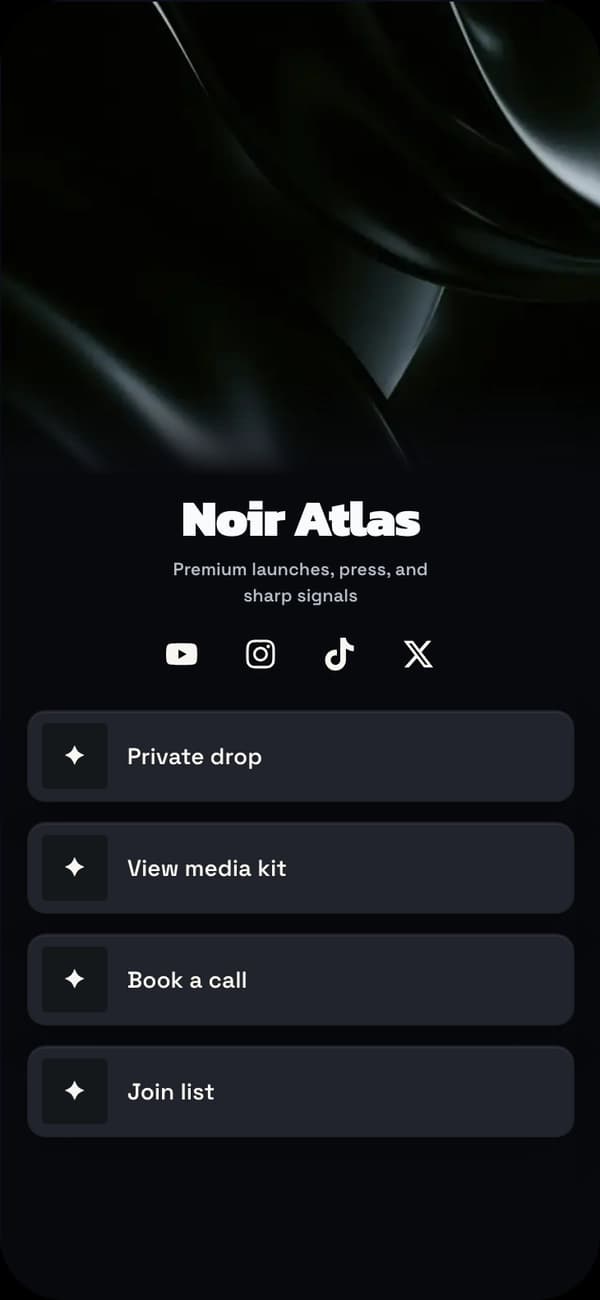
A high-contrast stage for video releases, playlists, and media links.
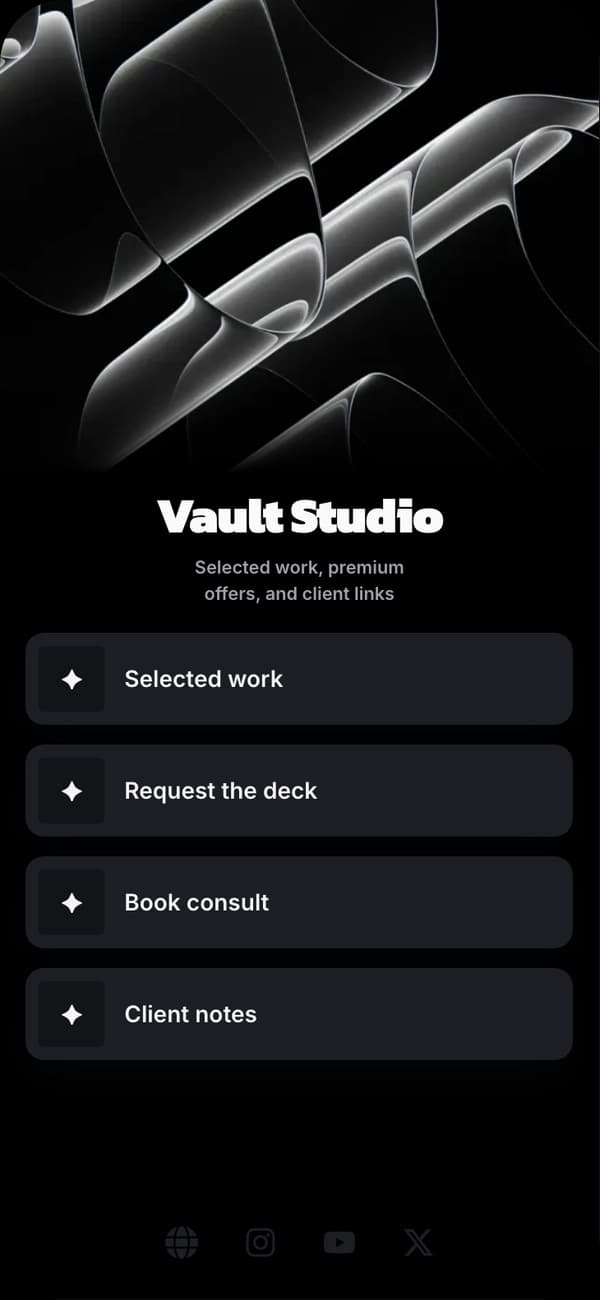
A restrained dark profile for education, technology, reviews, and podcasts.
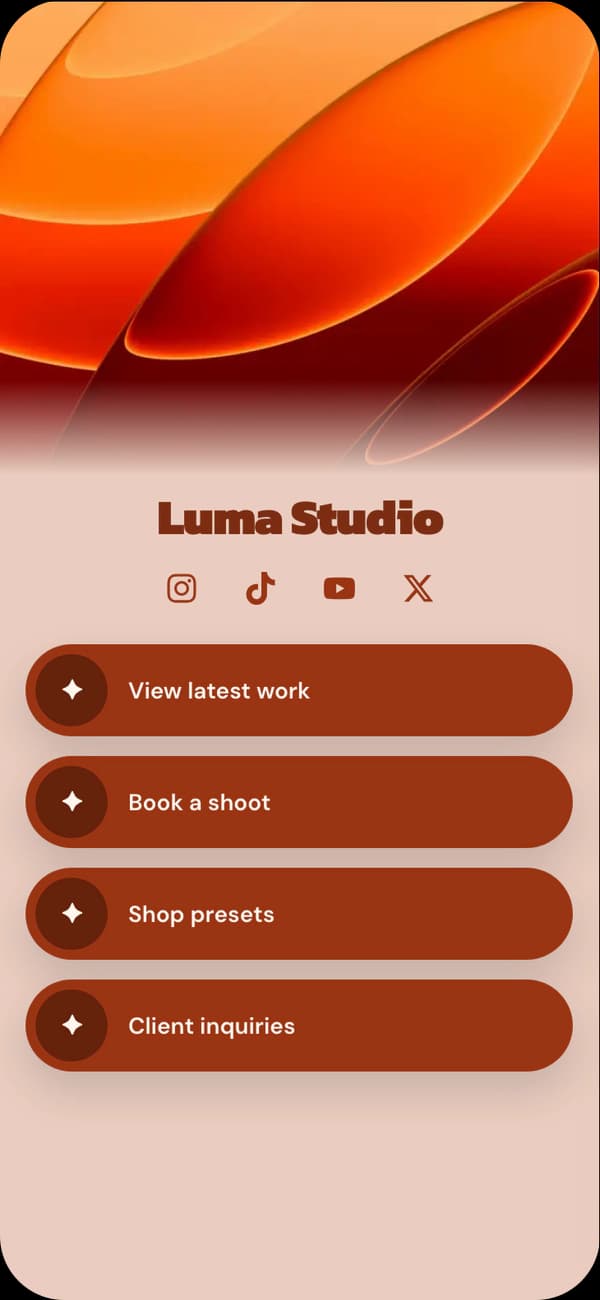
A warmer visual direction for filmmakers, travel channels, and storytellers.
FAQ
Yes. Linkrise supports YouTube as a video source and as a social profile destination. A video's availability and preview behavior still depend on the source video and YouTube's embed settings.
No. Linkrise does not sync a channel library or require a YouTube login. You select the channel, video, playlist, or other destination you want to add.
Free includes Basic Analytics for Today and Last 3 days, including QR visits and one Top link. Pro adds Full Analytics — All Time and deeper per-link reports.
Per-link reporting is included with Pro. It measures activity on the Linkrise page; it does not replace YouTube Studio or report private YouTube audience data.
Explore next
Compare real Linkrise profile directions before adapting the blocks and visual system to your channel.
Explore examplesLearn why a selected path is more useful than reproducing every video, playlist, and social destination.
Plan the hierarchyReview the current boundary for authoring, video links, analytics, pages, branding, and capacity.
Compare plansStart on Free