
01
A cleaner handoff from many Facebook surfaces
One page can support posts, profile links, Page buttons, QR codes, event notes, and community descriptions.
Facebook link in bio
Bring current posts, events, shops, bookings, groups, videos, and contact paths into one polished mobile page that is easy to update as your Facebook activity changes.
For creators, local businesses, communities, coaches, event hosts, and teams that still receive meaningful discovery from Facebook.
01 · How it works
Facebook visitors can arrive from a profile, Page, post, group, ad, event, or message. The page should help them choose without making every destination compete.
Feature the event, offer, video, booking, shop, lead magnet, or announcement that matches your current Facebook activity.
Keep community, contact, website, shop, newsletter, and social links organized so a returning visitor can find them quickly.
Use the same Linkrise page across Facebook placements and update the blocks behind it when campaigns, events, or products change.
02 · Free and Pro
One page can support posts, profile links, Page buttons, QR codes, event notes, and community descriptions.
Use themes, backgrounds, typography, profile layouts, current blocks, images, and Link styles on Free within current limits.
Pro helps compare visits, clicks, QR scans, sources, devices, and top links while adding more pages, branding removal, and higher limits.
03 · Practical examples
Use the top block for the current offer, then keep menu, hours, directions, WhatsApp, and booking links in a stable order.
Feature the group, rules, newsletter, calendar, and contact path so new visitors understand the community before joining.
Send Facebook followers from a post to the featured product, video, media kit, or subscription path without rebuilding a full site.
What to know
Linkrise gives you the destination page. Facebook controls where links can be placed, previewed, blocked, or labeled.
A Page website field, personal profile, post, group description, and event details may behave differently. Test the exact placement you plan to use.
If traffic comes from multiple Facebook contexts, keep the Linkrise page broad enough to serve each one while still leading with a timely action.
Events, promotions, availability, prices, and community rules can go stale quickly. Update the page when those claims change.
Plan the page
Facebook traffic is rarely one-dimensional. Use hierarchy and labels to make the same page work for posts, Pages, groups, events, and messages.
A visitor coming from a post expects the page to match the post. Use your top section for the current campaign, then move permanent destinations lower.
A group join link, product link, booking link, and message link each imply a different visitor mindset. Give each a clear label and avoid making one generic button do all of them.
Facebook posts and group descriptions can keep sending traffic long after a campaign ends. Keep dates, prices, offers, and event information current on the Linkrise page.
Before you publish
Test the exact Facebook surface you plan to use and make sure the Linkrise page continues the promise made there.
Profile previews
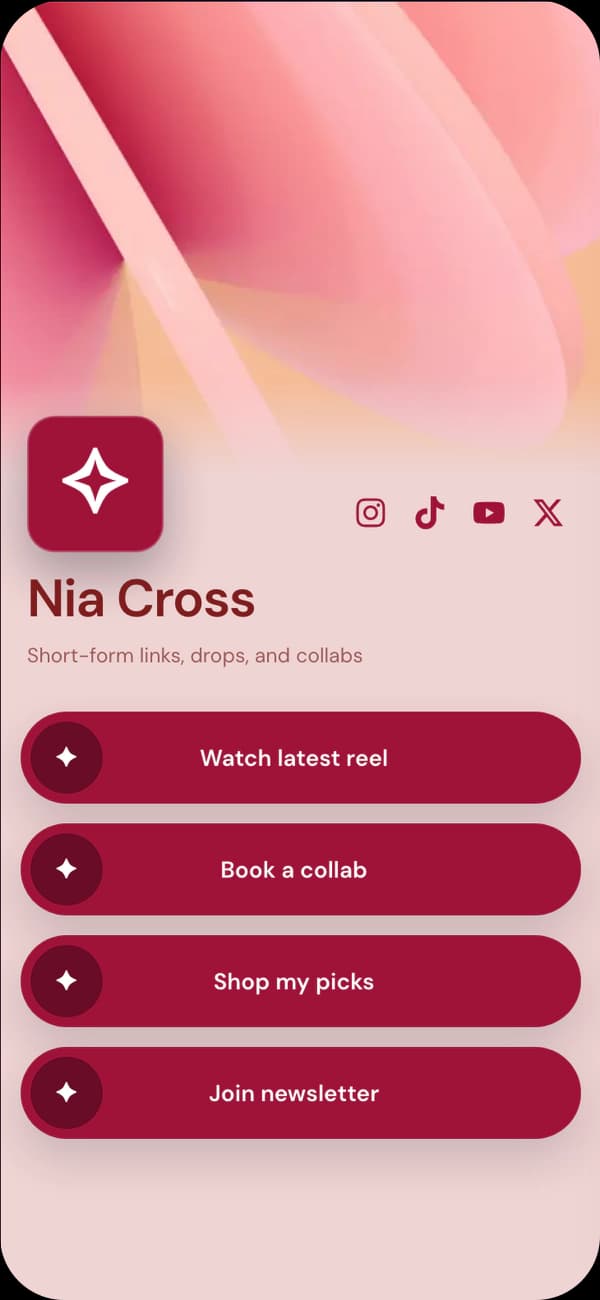
Warm and friendly for local shops, events, and community-led profiles.
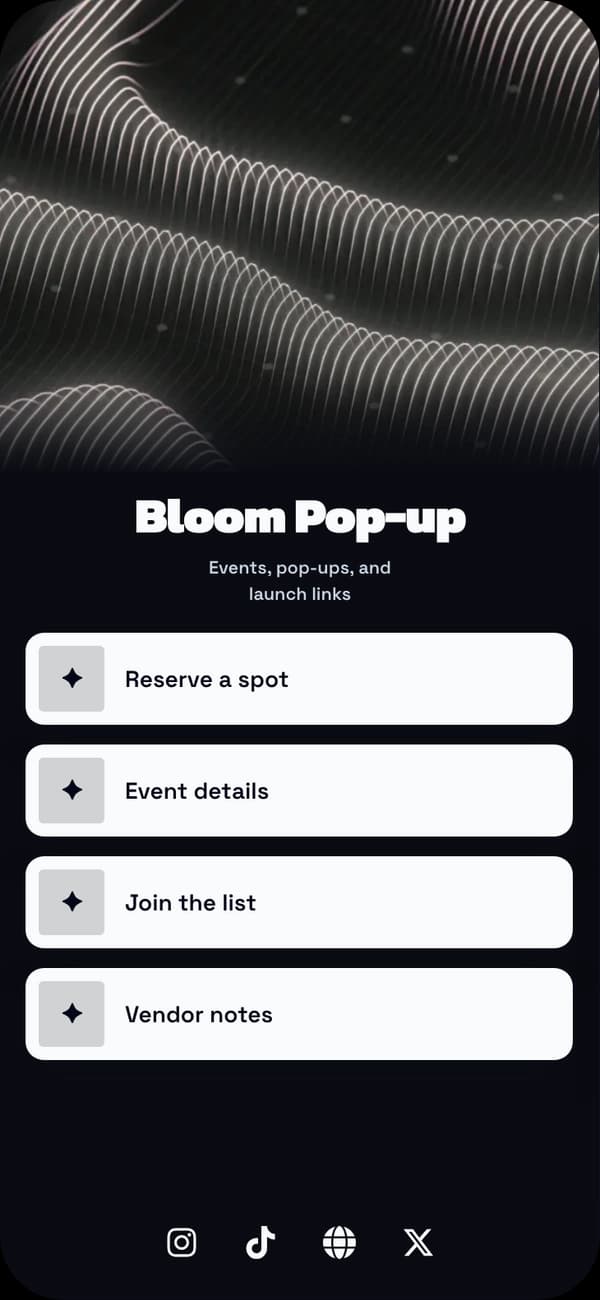
Clear and energetic for launches, offers, and public updates.
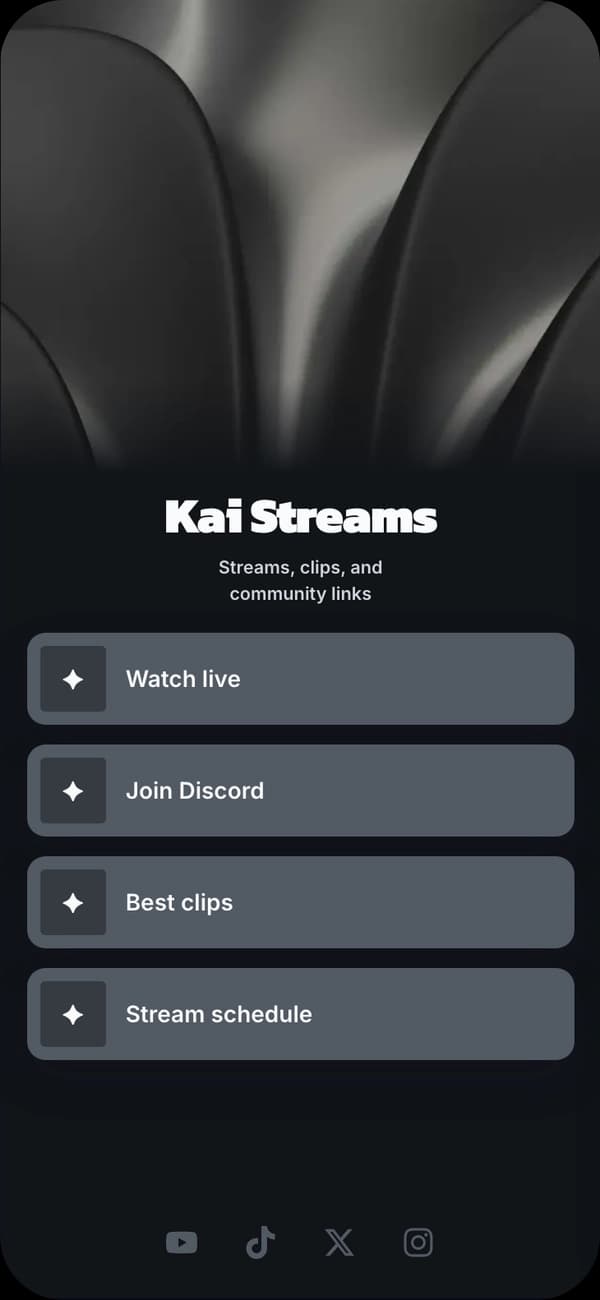
Polished for creators and businesses that need a darker brand direction.
FAQ
Yes. Use your published Linkrise URL anywhere Facebook currently allows a website, profile, post, group, event, or business link.
No. Linkrise is the page you send Facebook visitors to. Posting, Page management, groups, ads, and messages remain inside Meta products.
Lead with the reason people are clicking now: an event, offer, resource, product, booking, or community action. Keep evergreen links below.
Linkrise Pro can show traffic and clicks on the page. Platform-level attribution, ads reporting, and downstream conversions should still be verified in Meta and your destination tools.
Explore next
Build a practical link hub for local discovery, social traffic, and repeated updates.
Small business pagesUse chat as one clear destination rather than the only thing your profile can do.
WhatsApp bio pageStart with a profile layout that can support events, offers, community, and contact links.
Explore examplesStart on Free