
01
One page for several placements
The same profile can receive traffic from social bios, email, packaging, cards, posters, events, and desktop QR display without creating a separate microsite for every surface.
QR code link in bio
Free includes a downloadable QR and QR visit reporting for Today and Last 3 days. Pro extends QR reporting through All Time.
For creators, shops, venues, consultants, performers, and teams connecting offline attention to a mobile page.
01 · How it works
A QR works when the placement explains why someone should scan and the destination immediately delivers that promise. The code, message, and first Linkrise block should describe the same next step.
Publish the profile, confirm the slug, test every critical destination, and put the action promised by the printed material at the top of the Linkrise page.
Use Studio to download the Linkrise QR, scan the final artwork at realistic size and distance, and test it on more than one phone before ordering or distributing materials.
Update the blocks behind the stable public URL as the menu, event, launch, offer, or portfolio changes. Avoid changing the profile slug after the QR has been printed.
02 · Free and Pro
The same profile can receive traffic from social bios, email, packaging, cards, posters, events, and desktop QR display without creating a separate microsite for every surface.
Free includes a downloadable basic Linkrise QR alongside the current blocks, themes, typography, layouts, image uploads, and other profile design controls.
Free includes a downloadable QR and QR visit reporting for Today and Last 3 days. Pro extends QR reporting through All Time.
03 · Practical examples
Print one QR on the table or packaging and keep the Linkrise page updated with the current collection, ordering path, social account, and contact method instead of replacing the sign every week.
Place the QR on a poster, screen, or program and lead with the current release, tickets, mailing list, or merchandise. Test the code under the venue's actual lighting and viewing distance.
Use the QR to open a mobile profile with services, selected proof, booking, and contact options. The card stays useful while the projects and first action on the page change.
What to know
The Linkrise page can change, but the printed code cannot. Confirm the destination and physical readability before producing a large quantity.
The QR depends on the public URL encoded when it was downloaded. Edit page content freely, but treat a slug change as a migration that requires every printed and digital placement to be checked.
Avoid stretching, cropping, low contrast, reflective placement, or printing the code too small. Test the final exported artwork rather than relying only on the preview in Studio.
QR attribution can show that the Linkrise path was opened. A destination service must still report whether the visitor completed a purchase, booking, signup, or other external action.
Plan the page
The value of a Linkrise QR is not that the printed graphic changes. It is that one stable public URL can lead to a profile whose blocks, offers, and visual hierarchy stay current.
Start with the distance, material, lighting, and time available to scan. A code on a business card has different size requirements from a stage screen or shop window. Preserve clear space around the code, use strong contrast, and avoid placing it across folds, reflective surfaces, or busy imagery. Test the final exported artwork on several ordinary phone cameras at the intended distance; a successful scan from a large desktop preview is not sufficient evidence.
The downloaded QR contains the public Linkrise URL that existed at generation time. You can change themes, blocks, products, and campaign order without changing that URL, which is the main operational advantage. A later slug change can break old printed materials, so treat it as a migration: inventory every sign, card, package, PDF, and campaign asset before changing the public address. Linkrise does not currently promise a custom-domain QR workflow.
A Free account can download a basic QR. Pro can distinguish Linkrise's tracked QR source so you can compare that route with other page traffic. Scan or page-visit totals still do not prove a purchase, booking, signup, or unique person. Use the receiving commerce, form, calendar, or newsletter service for completed outcomes. When comparing placements, keep the offer and time window similar so a better location is not confused with a different campaign.
Before you publish
Complete the digital and physical checks before ordering prints or distributing an asset that will be difficult to replace.
Profile previews
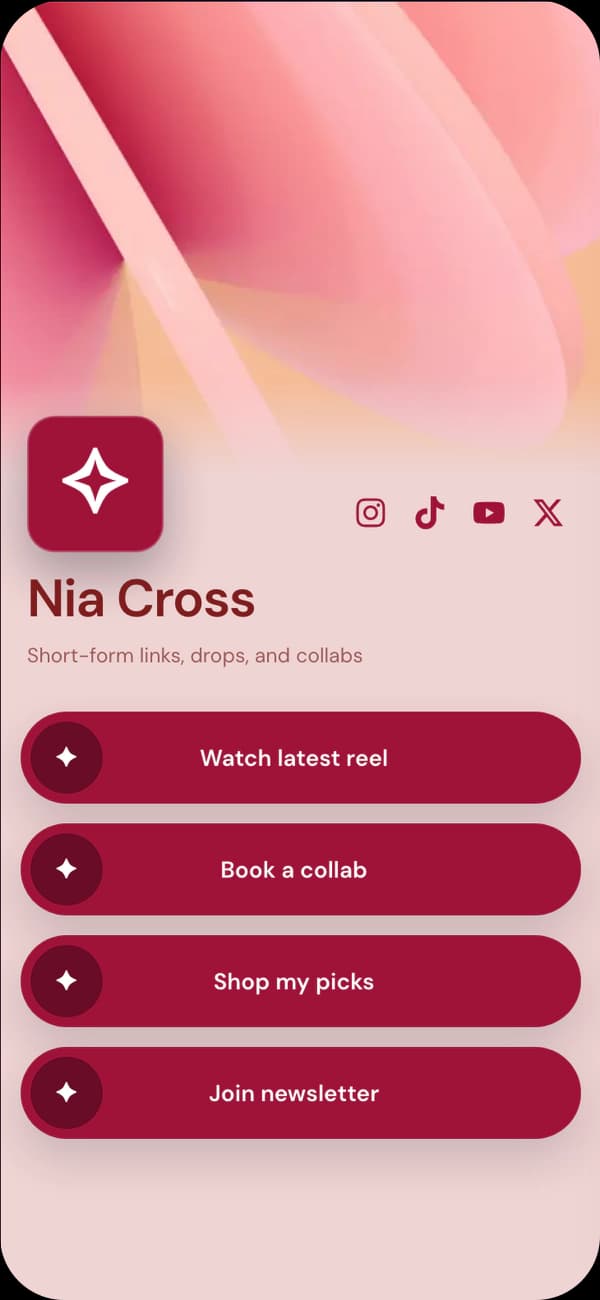
A warm profile for cards, packaging, personal services, and boutique products.
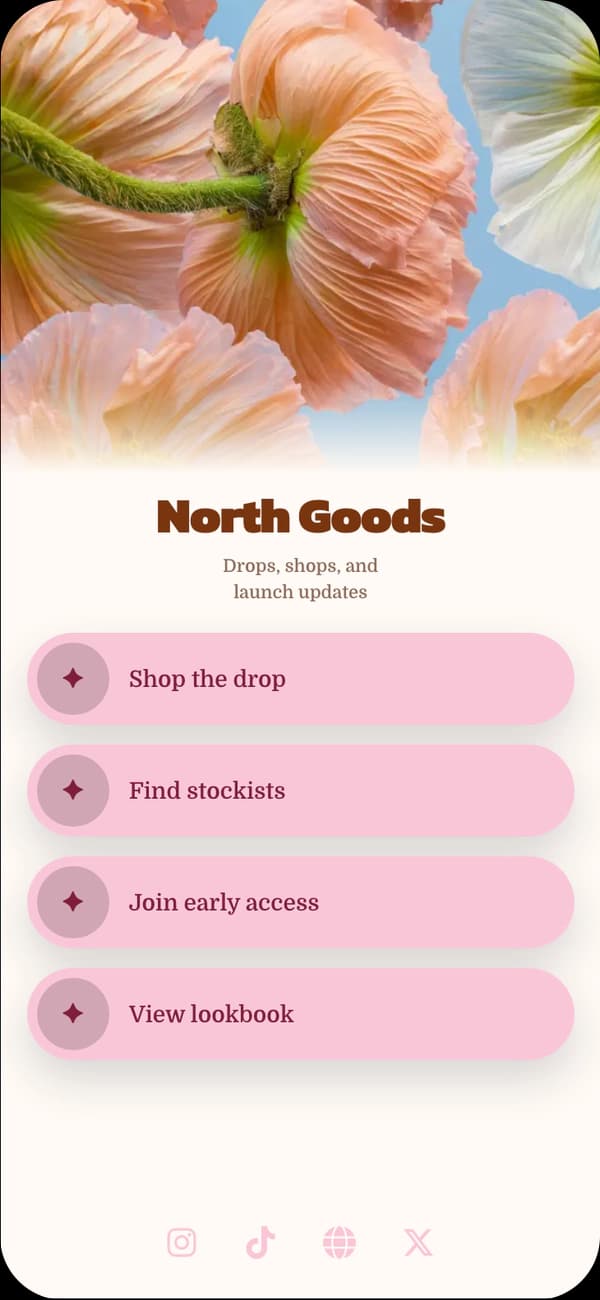
A visual cover layout for events, markets, exhibitions, and lifestyle brands.
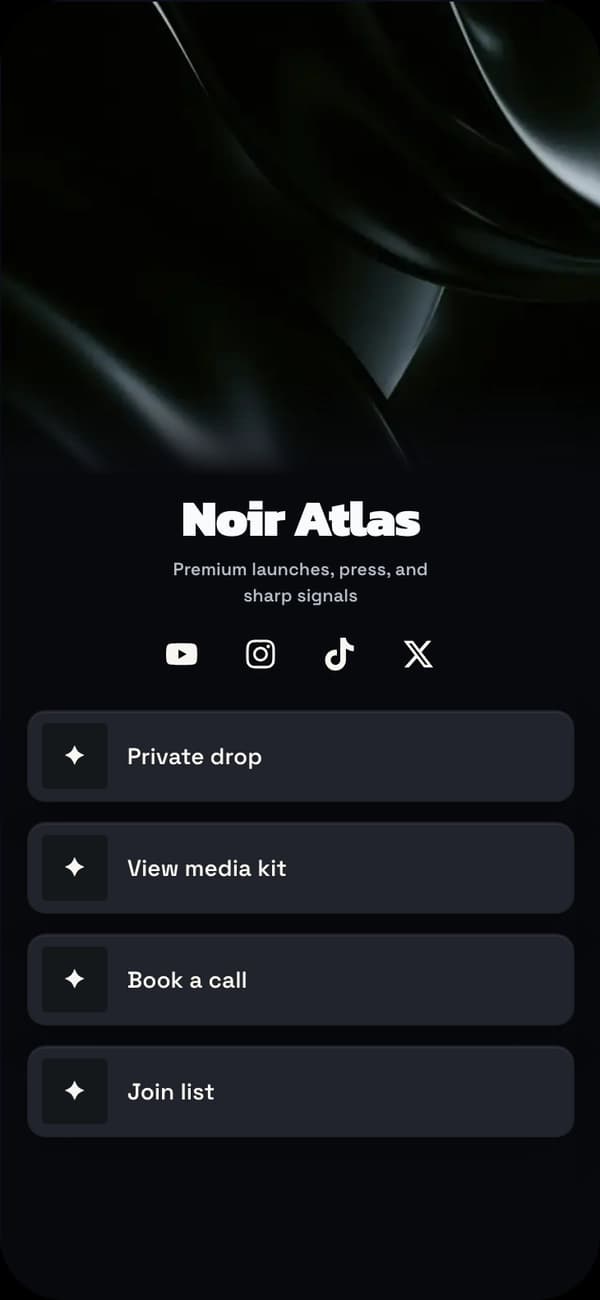
A high-contrast page for posters, stages, nightlife, media, and performance.
FAQ
Yes. The Free plan includes a downloadable basic QR for the public Linkrise profile. Current plan limits and Linkrise branding still apply to the page.
Edits to blocks and design remain behind the same profile URL, so the QR continues to open the updated page. Changing or removing the profile slug can break previously printed destinations.
Free includes a downloadable QR and QR visit reporting for Today and Last 3 days. Pro extends QR reporting through All Time.
No. Custom domains are not currently available. The QR opens the public Linkrise profile or the Linkrise tracking URL associated with that profile.
Explore next
Preview real profile directions and make the first screen match the promise printed beside the code.
Explore examplesOrganize current campaigns and permanent brand destinations without rebuilding the public URL.
Plan the destinationReview basic QR availability, separate scan attribution, analytics, branding, pages, and capacity.
Compare QR accessStart on Free