
01
Built for the small screen
Linkrise profiles are designed as mobile pages, with flexible blocks and clear visual hierarchy rather than a desktop page squeezed into a phone.
TikTok link in bio
Turn one profile tap into a clear path to your newest video, product, resource, booking page, or community. Keep the public URL stable while your content changes.
For TikTok creators and businesses that need a focused mobile destination beyond a single post.
01 · How it works
TikTok traffic moves quickly. The page has to explain what is available and where to tap before the visitor loses the context that brought them there.
Use direct labels such as Watch the full video, Get the guide, Shop the drop, or Book a session instead of vague link names.
Place the current campaign first and move older or supporting destinations lower on the page.
Update your Linkrise blocks after a new video or launch without replacing the bio URL across your profile and materials.
02 · Free and Pro
Linkrise profiles are designed as mobile pages, with flexible blocks and clear visual hierarchy rather than a desktop page squeezed into a phone.
Customize themes, backgrounds, typography, Link styles, profile layout, media, and every current block type without upgrading.
Pro adds Full Analytics — All Time, deeper per-link reporting, multiple pages, Linkrise branding removal, campaign controls, and higher limits.
03 · Practical examples
Place the promised tutorial, source list, or full-length video first. Supporting links can introduce the creator's archive or newsletter without making the viewer search for the item named in the TikTok.
Keep one stable Linkrise URL while the first block changes from waitlist to launch page to post-launch offer. Each TikTok can point to the same profile destination while the campaign state changes behind it.
Lead with the booking or WhatsApp path, explain the service in one supporting block, and keep location, portfolio, and social proof nearby. The page gives fast-moving viewers enough context to act.
What to know
The public Linkrise page works independently, but TikTok controls whether a specific account can place a clickable website link in its profile.
Website-field availability can depend on account type, follower thresholds, age, region, and TikTok product changes. Confirm the live profile field before planning a campaign around it.
Linkrise does not need a TikTok API connection to publish your page. Add the Linkrise URL manually wherever TikTok allows it and manage the destination in Studio.
TikTok viewers often arrive from one specific video. Repeat the same offer language on the first block so the destination feels like the continuation of that video rather than a generic directory.
Plan the page
TikTok creates fast, specific intent. A useful destination repeats the promise of the video immediately, then offers only the supporting paths that help the viewer act or keep exploring.
Before adding links, write down the question created by the video: where to buy, how to book, where to download, what to watch next, or how to join. Make the answer the first block and use wording that resembles the on-screen text or spoken CTA. A broad label such as “My links” forces the viewer to start over. Supporting blocks should answer the next likely questions, such as pricing, proof, location, shipping, or contact.
Clickable website fields can differ by account and region, so confirm the live profile before announcing “link in bio.” If a clickable placement is unavailable, use the Linkrise URL consistently in the places TikTok currently permits and avoid instructions that your audience cannot follow. Linkrise does not need a TikTok login or follower access; the creator controls the page independently and updates the public destination from Studio.
A viral video can change the audience mix, device mix, and visit volume at the same time. Compare several posts with similar goals before deciding that one page layout caused the result. Pro analytics can show which Linkrise blocks received clicks after visitors arrived, while TikTok analytics explains the video itself. Use both views together, and rely on the final store, booking, or newsletter system for completed conversions.
Before you publish
Verify the entry point and the destination together, because TikTok account rules and Linkrise page content are controlled separately. Repeat the check after account, region, campaign, or app behavior changes, especially before promoting a time-sensitive public offer.
Profile previews
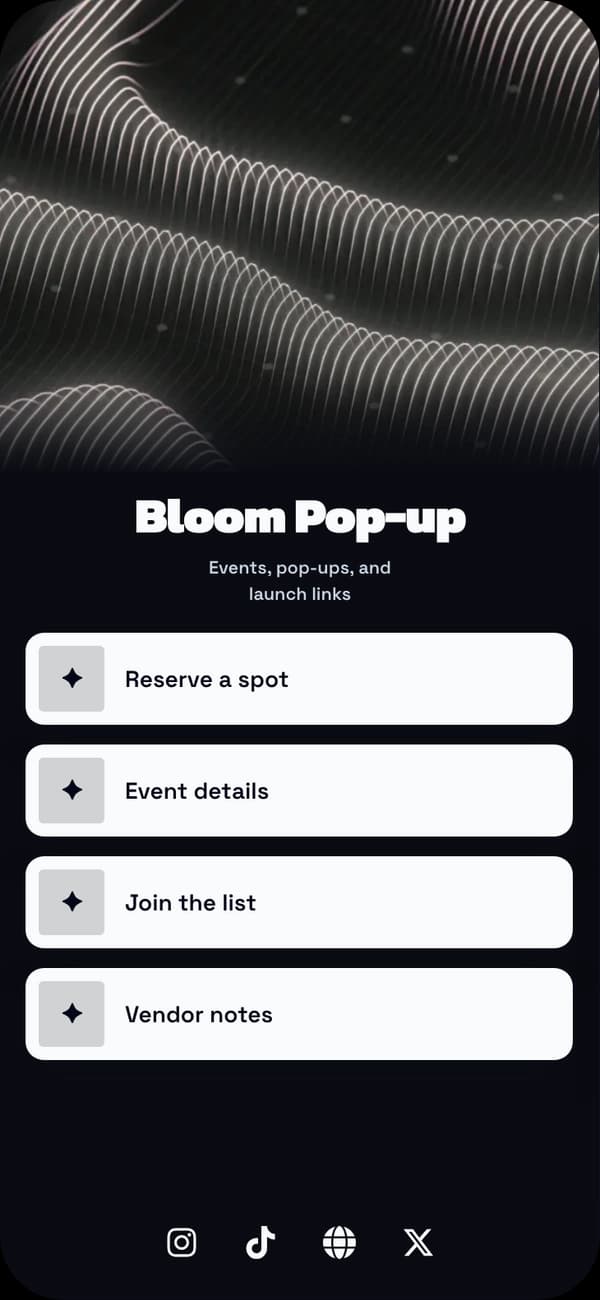
A bold mobile profile for fast campaign changes and prominent first actions.
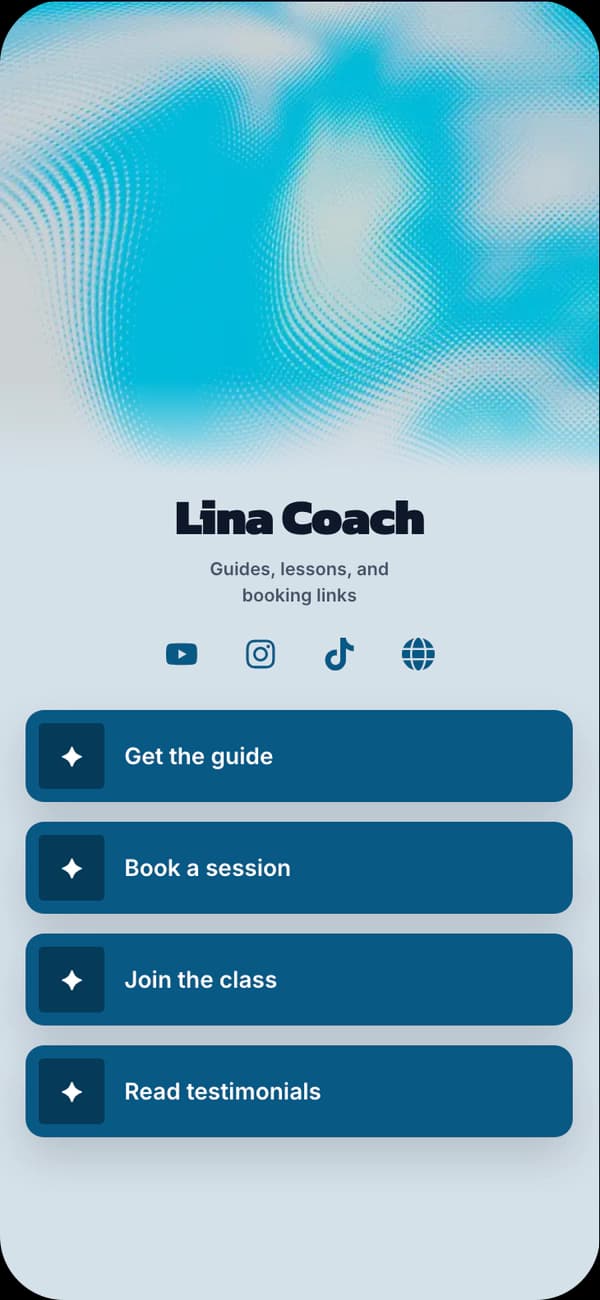
A clean visual system for tutorials, resources, and creator communities.
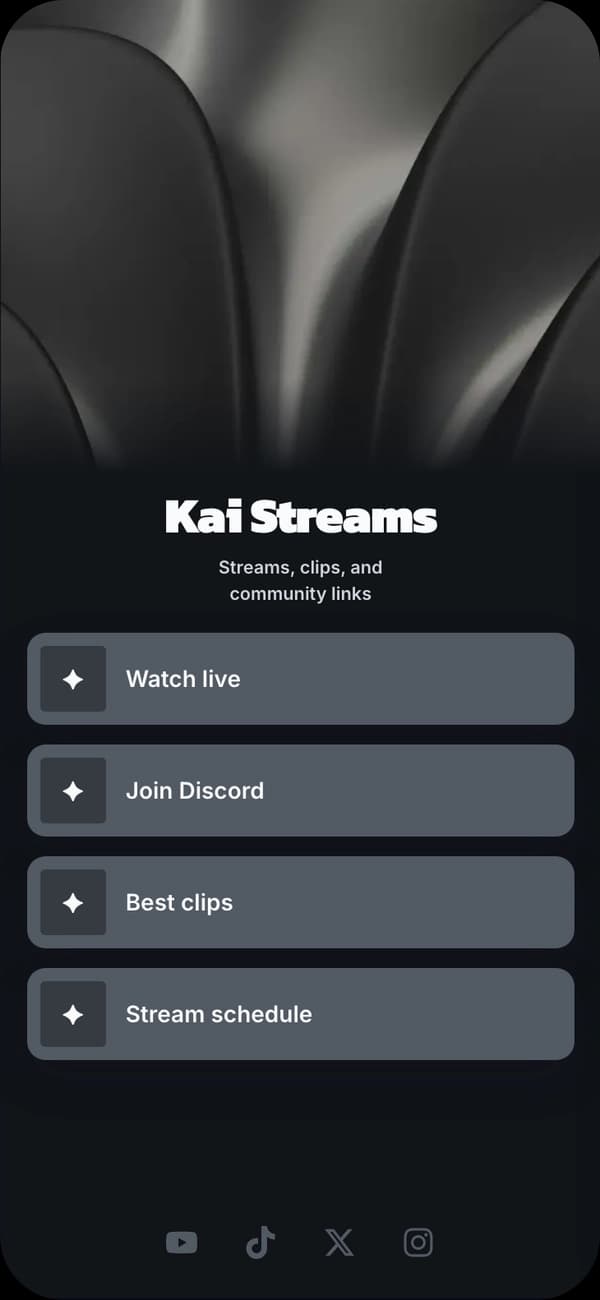
A darker editorial profile for video, music, fashion, and culture accounts.
FAQ
You can use your published Linkrise URL anywhere TikTok makes a website field available to your account. TikTok controls who can add clickable profile links and may vary availability by account or region.
Start with the resource, product, video, booking, or offer mentioned in your current content. Add only the supporting social, contact, or credibility links that help the next decision.
Yes. Free includes one public page, all current blocks and design controls, image uploads, and a basic QR. Pro adds measurement, branding removal, more pages, and higher limits.
No API connection is required to publish a Linkrise page or use its URL. You manage the page in Linkrise and add its public URL to TikTok yourself where supported.
Explore next
Start with a ready-made profile and make the structure, content, and visual system your own.
Explore examplesOrganize a focused page that helps visitors decide instead of presenting an endless directory.
Read the guideReview the current publishing, analytics, branding, page, and storage boundaries before upgrading.
Compare plansStart on Free