
01
One professional page without a site rebuild
Use links, text, images, collections, social and contact destinations, profile layouts, and visual controls to create a focused public introduction.
LinkedIn link in bio
Give prospects, collaborators, recruiters, clients, and readers one clear page for your selected work, services, newsletter, booking path, company, and contact details. Keep the presentation polished without building a full website first.
For consultants, founders, freelancers, operators, educators, job seekers, and small professional teams.
01 · How it works
LinkedIn visitors often arrive with a professional question: What do you do, can you prove it, and how should they contact you? The page should answer those questions in that order.
Lead with the service, role, project, newsletter, event, or resource that matters now. Avoid using a vague label when a visitor is deciding whether to inquire, read, or book.
Add case studies, portfolio work, a media kit, testimonials, or a company page that supports the first action. Keep the proof selected rather than turning the page into a complete résumé.
Use a clear booking, email, WhatsApp, or business inquiry path and explain what happens after the click when the next step is not obvious.
02 · Free and Pro
Use links, text, images, collections, social and contact destinations, profile layouts, and visual controls to create a focused public introduction.
Current blocks, themes, backgrounds, typography, layouts, image uploads, and Link styles remain available on Free for one public profile within current limits.
Use Full Analytics, per-link reports, source and device context, multiple pages, longer QR reporting, branding removal, and higher limits when the profile becomes an active acquisition surface.
03 · Practical examples
Lead with the service or active workshop, follow with one or two case studies, and finish with a booking or email path. The page helps readers move from an educational LinkedIn post to a specific business conversation.
Feature the current product or launch, add selected press and company links, then provide investor, partnership, or customer contact paths without sending every visitor into the same generic inbox.
Use a small set of representative projects, describe the work offered now, and add availability and inquiry information. The page stays shorter than a portfolio site but more intentional than a file directory.
What to know
Linkrise organizes the destinations around your professional profile. It does not verify credentials or reproduce private LinkedIn data.
LinkedIn controls which website, contact, featured, and company fields are available. Verify the current placement on your own account before publishing campaign instructions.
The page does not access LinkedIn messages, connections, recommendations, or post data. Add only the public destinations you intentionally want visitors to open.
A polished theme cannot replace clear proof. Use accurate project descriptions, working contact paths, current availability, and labels that explain what the visitor will see after the click.
Plan the page
LinkedIn visitors usually need more proof and context than a casual social visitor. The page should make your current offer clear, support it with selected evidence, and provide an appropriate way to respond.
A page built for client inquiries should not give equal weight to hiring, investing, speaking, shopping, and every past project. Decide which conversation matters now and lead with that route. Follow with two or three pieces of evidence that reduce risk: a case study, selected work, credentials, press, or a precise service description. Keep secondary social accounts available without allowing them to displace the business action that brought the visitor from LinkedIn.
Professional visitors are more likely to click when the destination is clear. “View SaaS case study,” “Book a 20-minute introduction,” and “Download the speaker sheet” are more useful than “Work,” “Contact,” or “Learn more.” Make sure the destination matches the label and is still public. Linkrise does not verify employment, credentials, recommendations, or client results, so every claim and example on the page remains the publisher's responsibility.
A LinkedIn post may be read on desktop while the profile or QR is opened on a phone. Test both routes and keep inquiry forms, calendars, documents, and email actions usable on small screens. On Pro, use per-link patterns to see whether visitors seek proof before contact or move directly to the primary CTA. Interpret those clicks as navigation intent and confirm actual leads inside the email, calendar, CRM, or form service receiving them.
Before you publish
Review the page as a prospective client, employer, partner, or collaborator who has not seen your other materials or profile history.
Profile previews
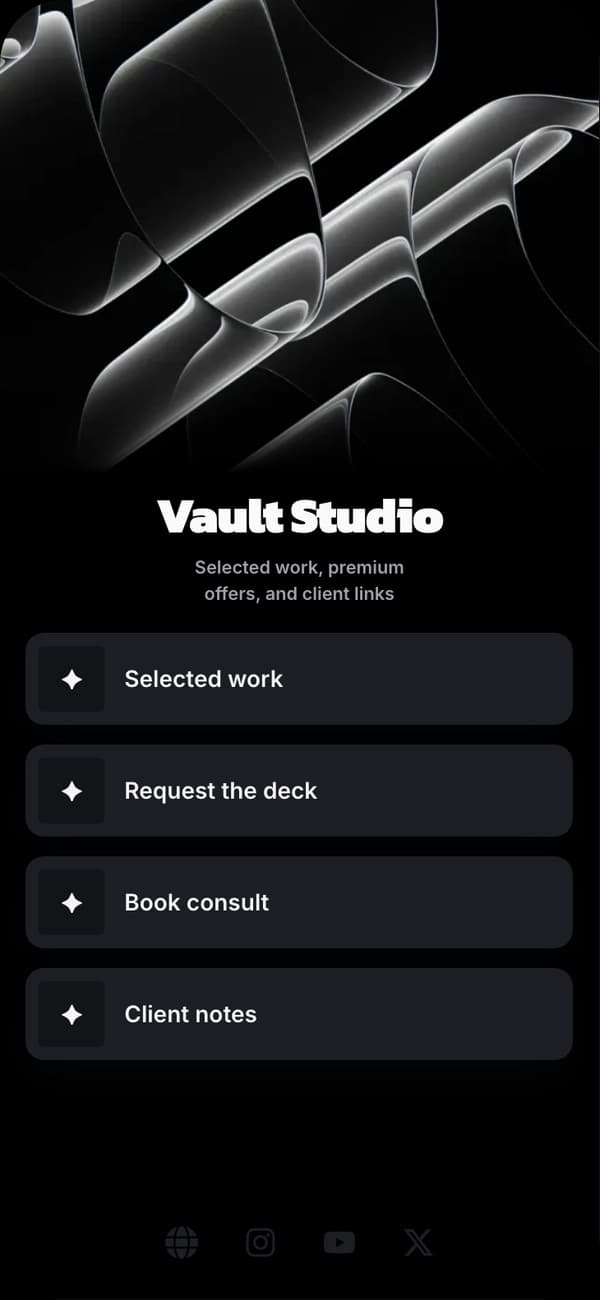
A calm professional profile for consultants, founders, and technical work.
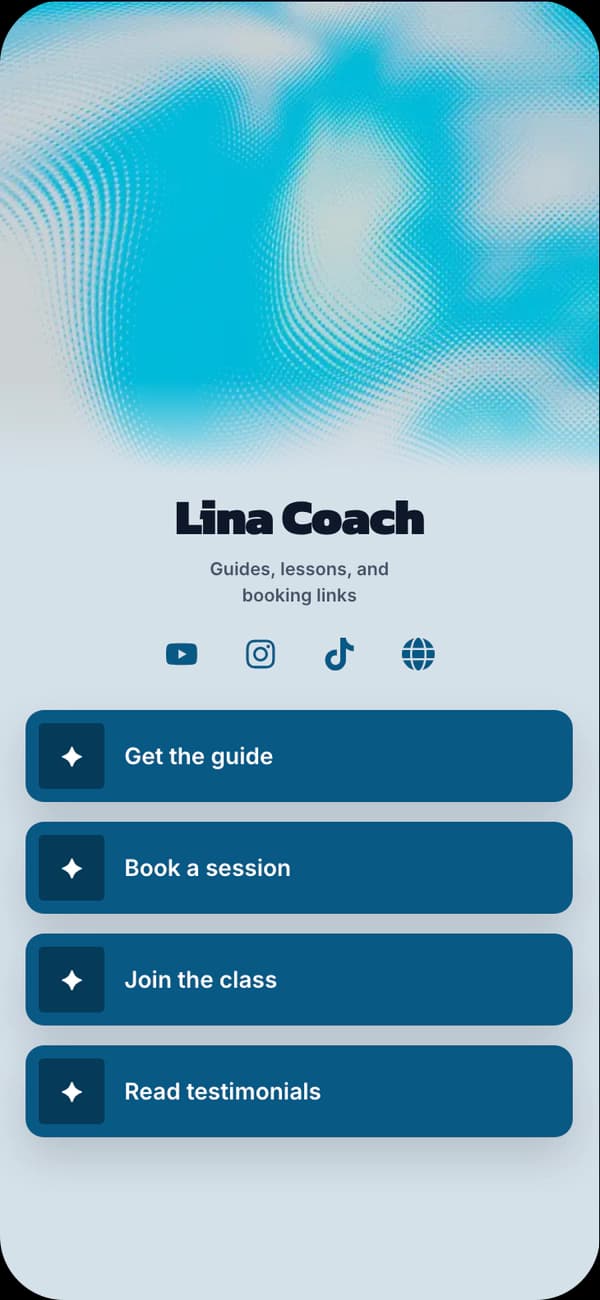
A clean, approachable direction for educators, operators, and service businesses.
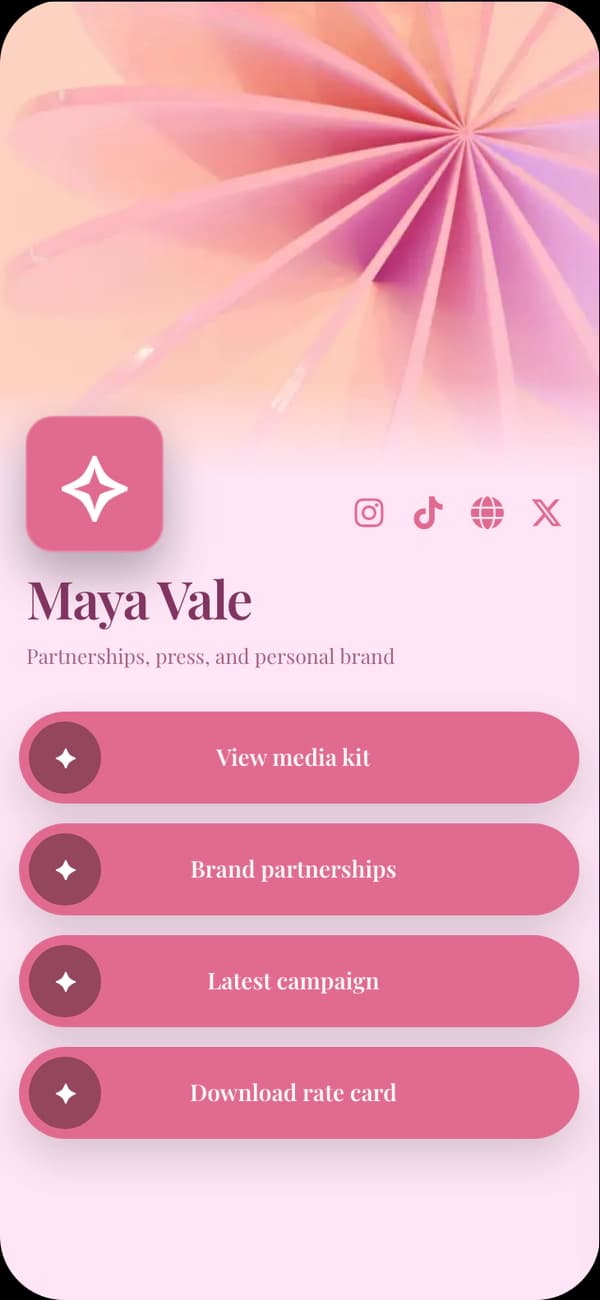
A more expressive profile for independent creatives and personal brands.
FAQ
Use the published Linkrise URL anywhere LinkedIn currently allows an external website or featured link. LinkedIn controls the placement and availability of its own profile fields.
Linkrise supports LinkedIn as a social destination, but it does not import your profile, contacts, posts, or messages and does not require LinkedIn authentication.
It can provide a focused public profile for work, proof, contact, and booking paths. A full website may still be appropriate for extensive documentation, publishing, applications, or complex business requirements.
Yes. The current authoring and design controls are available on Free. Pro is for deeper measurement, more pages, branding removal, campaign tools, and higher capacity.
Explore next
Compare profile layouts and themes, then customize every current design and content control on Free.
Explore examplesPlan the relationship between your profile, proof, current offer, contact path, and permanent destinations.
Read the strategyReview what remains free and when analytics, multiple pages, branding removal, or higher limits become useful.
Compare plansStart on Free